 974 71 599 396
 Choose an address


HOW IT WORKS
GrozaLink provides a simple, secure, and transparent purchasing journey.
Step-by-Step Customer Flow.
Create an account at www.grozalink.com
1
Sign Up & Create Your Account Visit www.grozalink.com to register securely.
2
Choose a verified supermarket partner.
3
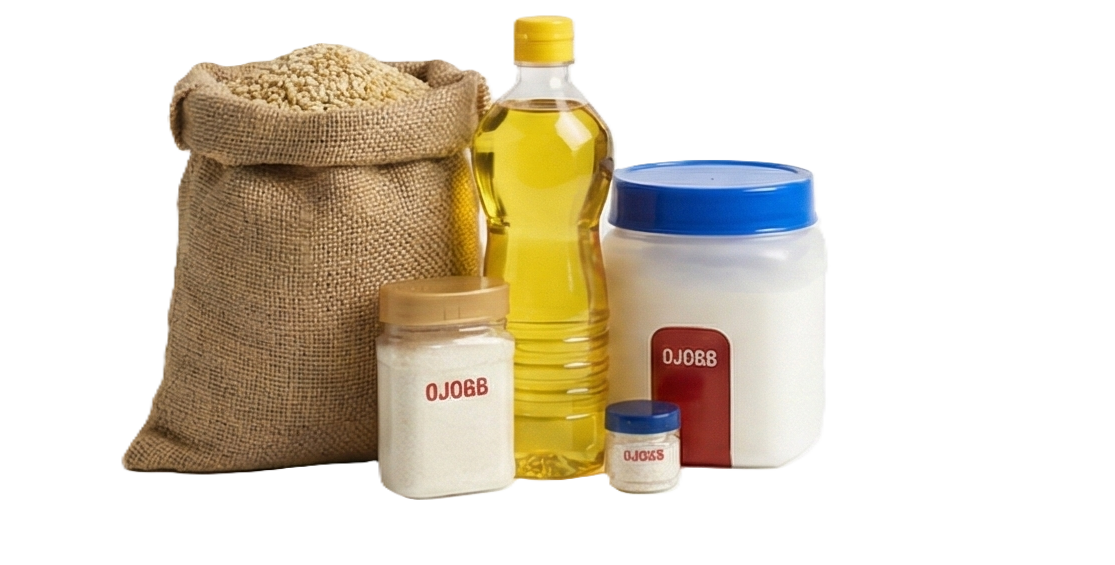
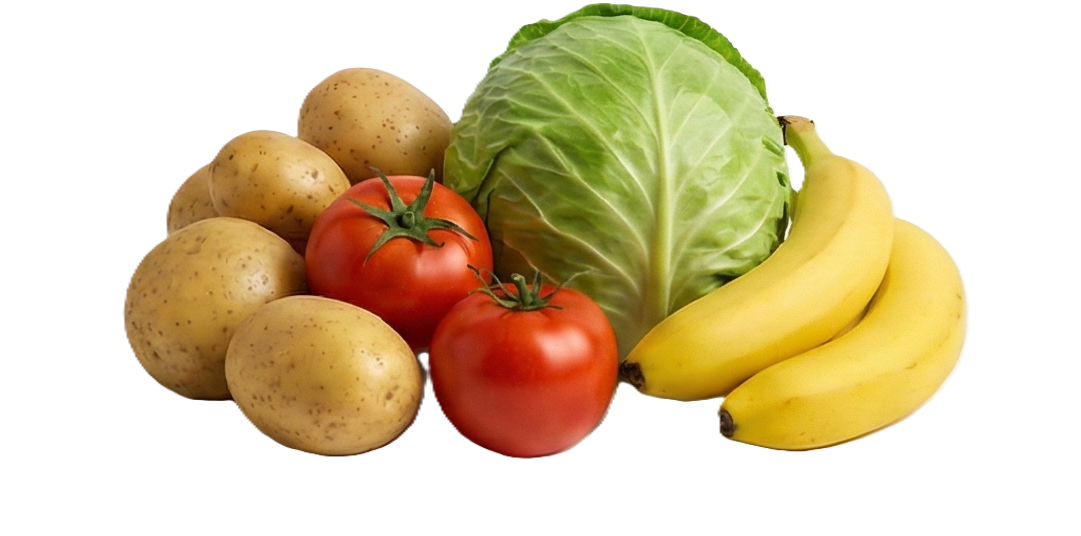
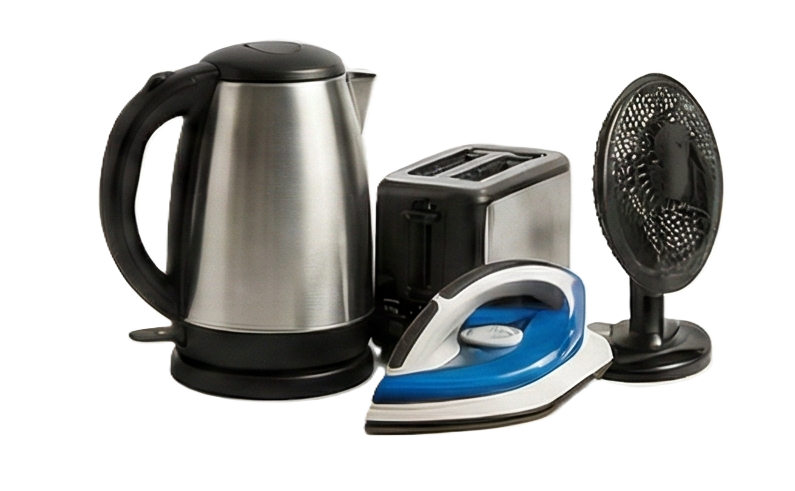
Add Items to Cart Select groceries or essentials for your recipient.
4
Enter Recipient Details Carefully Ensure name matches ID for accurate pickup or delivery.
5
Review Order including transparent 12% service fee is included.
6
Pay Securely Online via: Visa Mastercard, Paynow (Zimbabwe PSP) Contipay Mobile Money: EcoCash,Omari, InnBucks, Telecash
7
Order Confirmation & Pickup Instructions
Once your payment is successfully processed, you will receive:
- An email notification confirming your order.
- A digital invoice for your records.
- A unique GrozaLink One-Time Pickup Code
Please forward this unique pickup code to the intended recipient.
The recipient must present both the pickup code and a valid government-issued ID at the verified supermarket to collect the order. Acceptable forms of ID (any one of the following) include:
- National ID
- Passport
- Driver’s License
⚠️ Important Security Notice:
The GrozaLink One-Time Pickup Code is strictly for the designated recipient and must not be shared with anyone else.
This ensures proper authentication and protects the security of your order. Fulfilment Modes:
* Phase 1: Store pickup